Sweeper

Sweeper

Apps don't leave quietly.

Drag one to the Trash and its files stay scattered across your Library. Sweeper removes the app and every file it leaves behind, and shows you each one first.

The whole cleanup, in one window

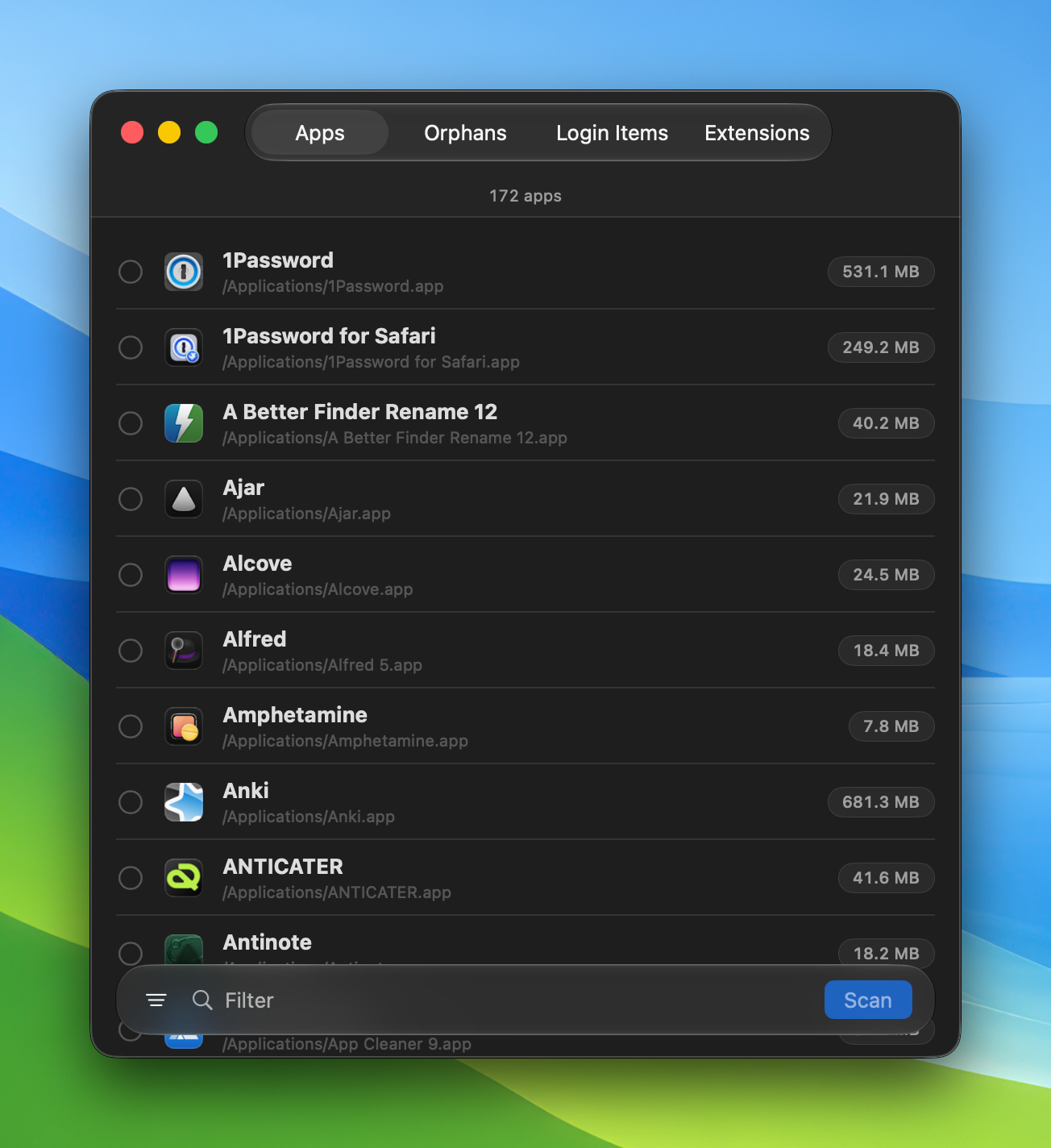
Sweeper's app list showing installed apps with their sizes
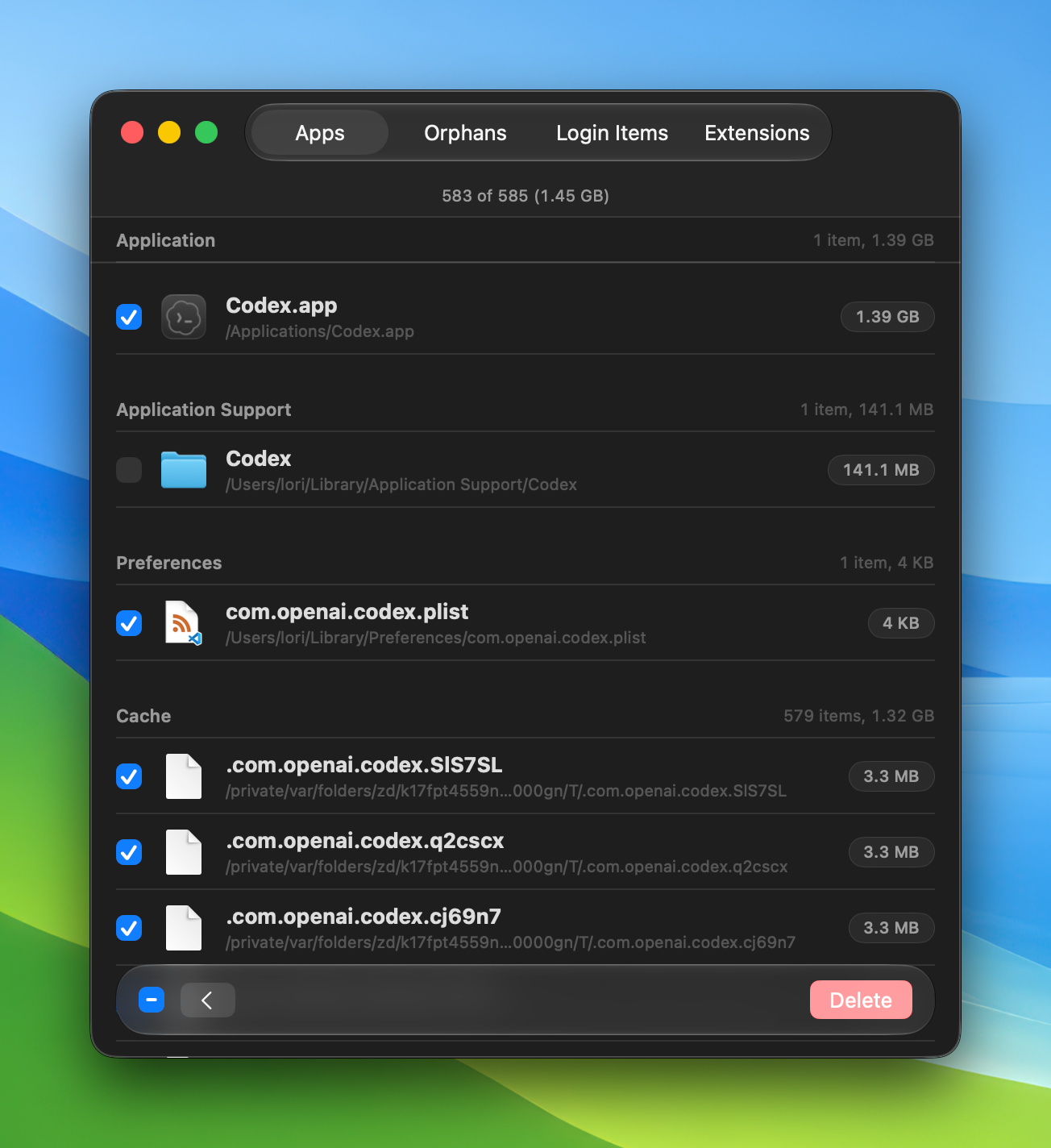
Sweeper reviewing Codex's files grouped by Application, Application Support, Preferences, and Cache
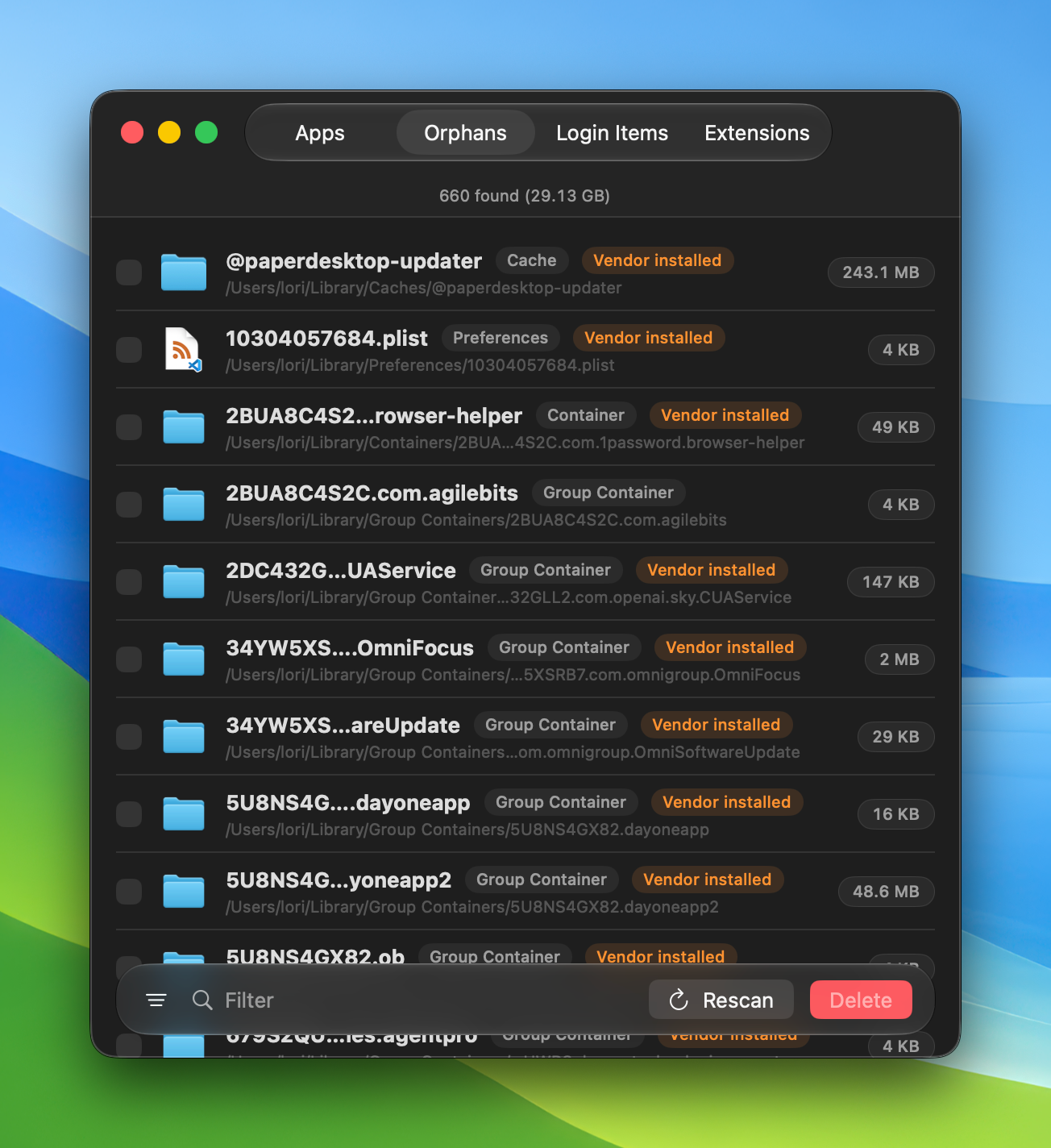
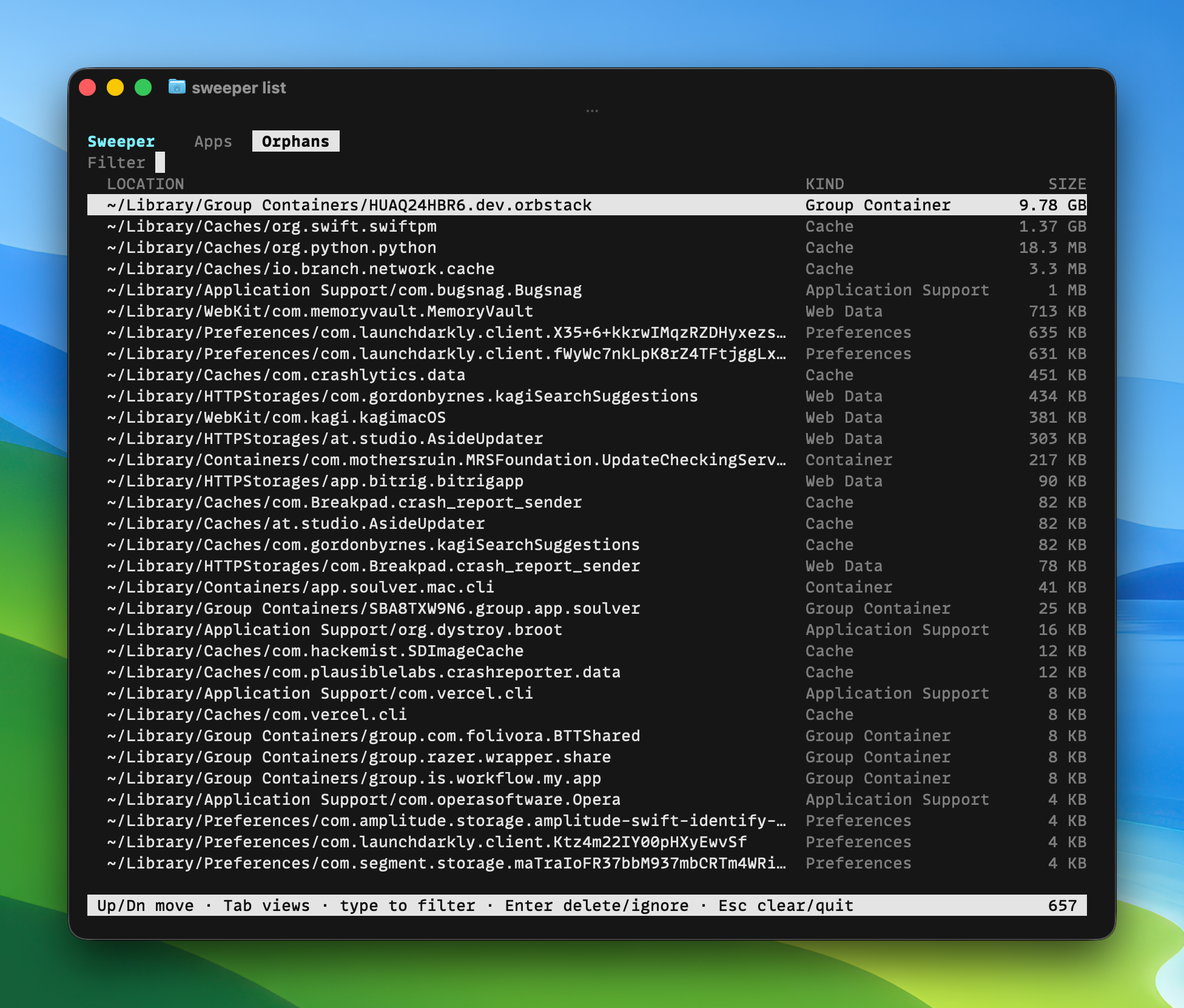
Sweeper's orphan scan listing leftover files tagged by type
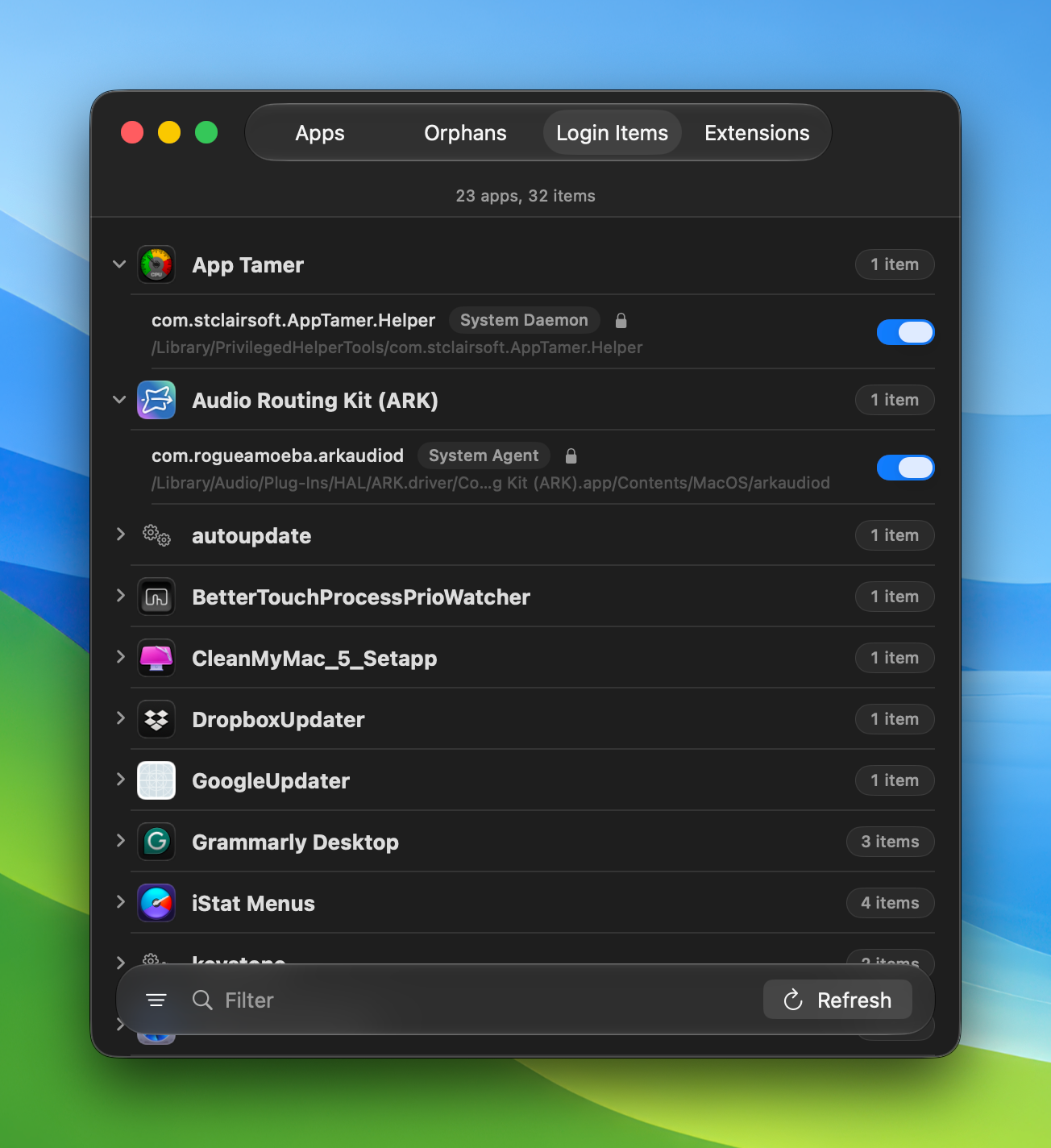
Sweeper's login items list grouped by app
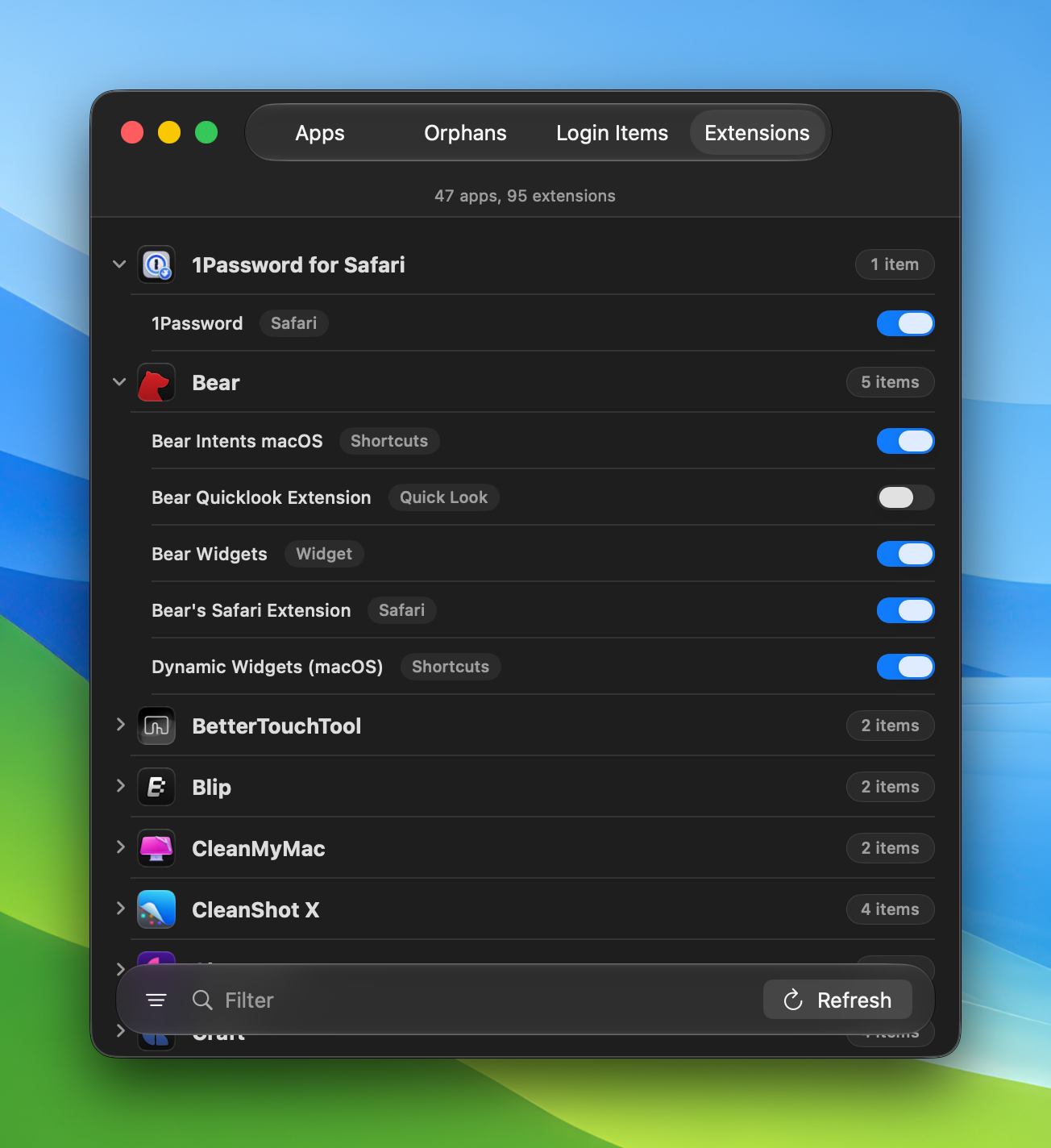
Sweeper's extensions list grouped by app

Skip the window entirely

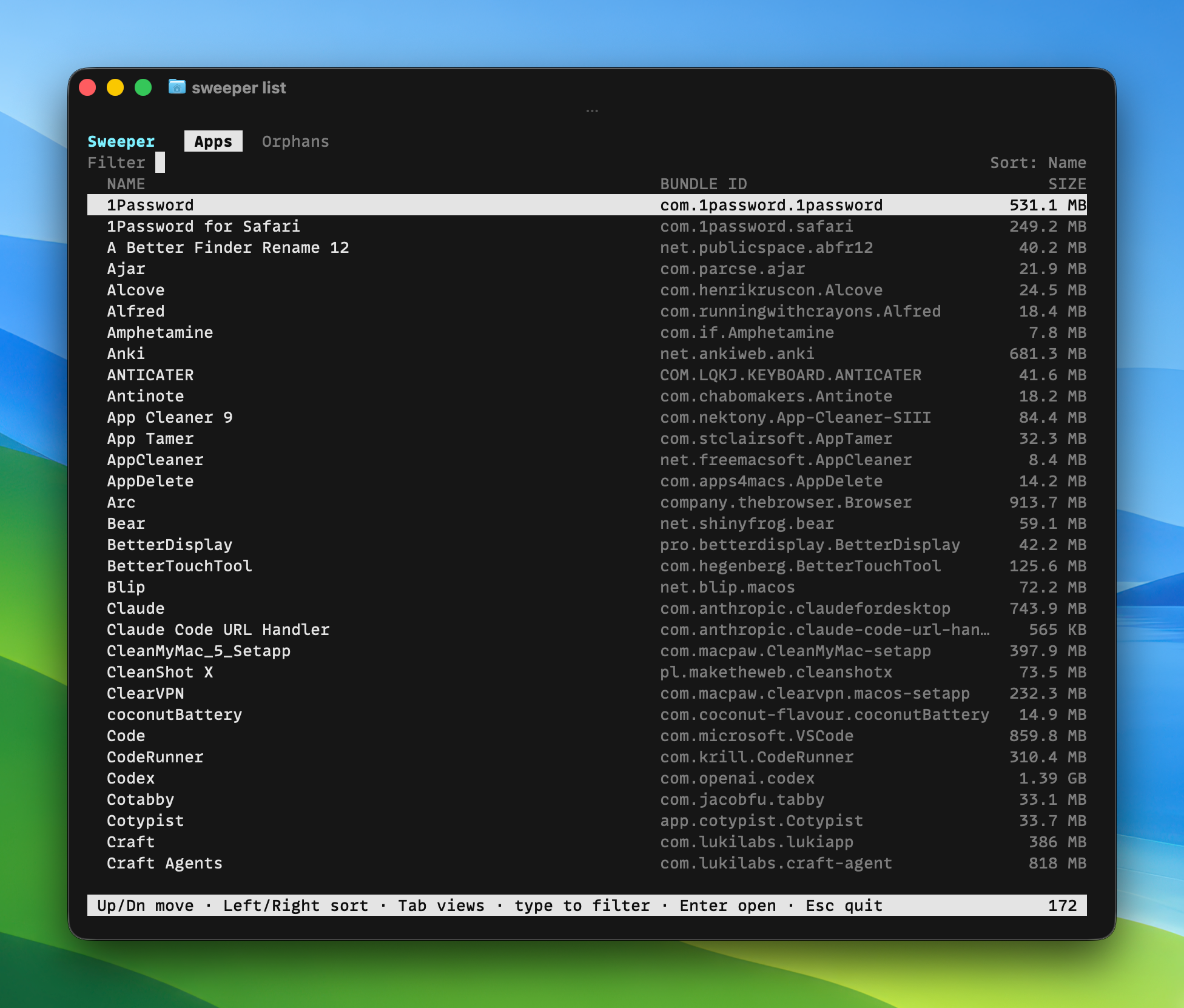
Sweeper ships an Alfred workflow and a full terminal app, for when you would rather not reach for the mouse.

The sweeper terminal app listing installed apps with bundle IDs and sizes
The sweeper terminal app showing orphaned files by location, kind, and size

It knows where apps hide things

Caches
Preferences
Application Support
Containers
Group Containers
Saved State
Logs
HTTP Storages
Launch Agents
Crash Reports
Login Items
Extensions

Good to know

Does Sweeper delete anything on its own?

No. It never removes a file until you review the list and decide. Cleared items move to quarantine, not straight to deletion.

Can I get a file back after clearing it?

Yes. Cleared items go to quarantine. Restore any of them until you choose to empty it.

Will it remove system files?

System-owned files are flagged and ask for an administrator password before anything happens.

Why does it need Full Disk Access?

To see the files apps scatter across your Library. Nothing about your Mac ever leaves it.

Does it collect any data?

No. Sweeper runs entirely on your Mac and reports nothing back.

Is there a subscription?

No. Sweeper is a one-time purchase, and updates come through the app.

What about apps from the App Store?

Sweeper lists them alongside everything else, with the files each one added.

Does it run on Apple silicon and Intel?

Yes. Sweeper is a universal app for macOS 14 Sonoma and later.

Clean house.

Uninstall an app and everything it leaves behind. Review every file. Restore anything. Free up the space you forgot you lost.

One-time purchase. macOS 14 (Sonoma) or later.