Sweeper
Les apps ne partent pas discrètement.
Glissez-en une dans la Corbeille et ses fichiers restent éparpillés dans votre Library. Sweeper supprime l’app et chaque fichier qu’elle laisse, et vous les montre d’abord.
Tout le nettoyage dans une seule fenêtre
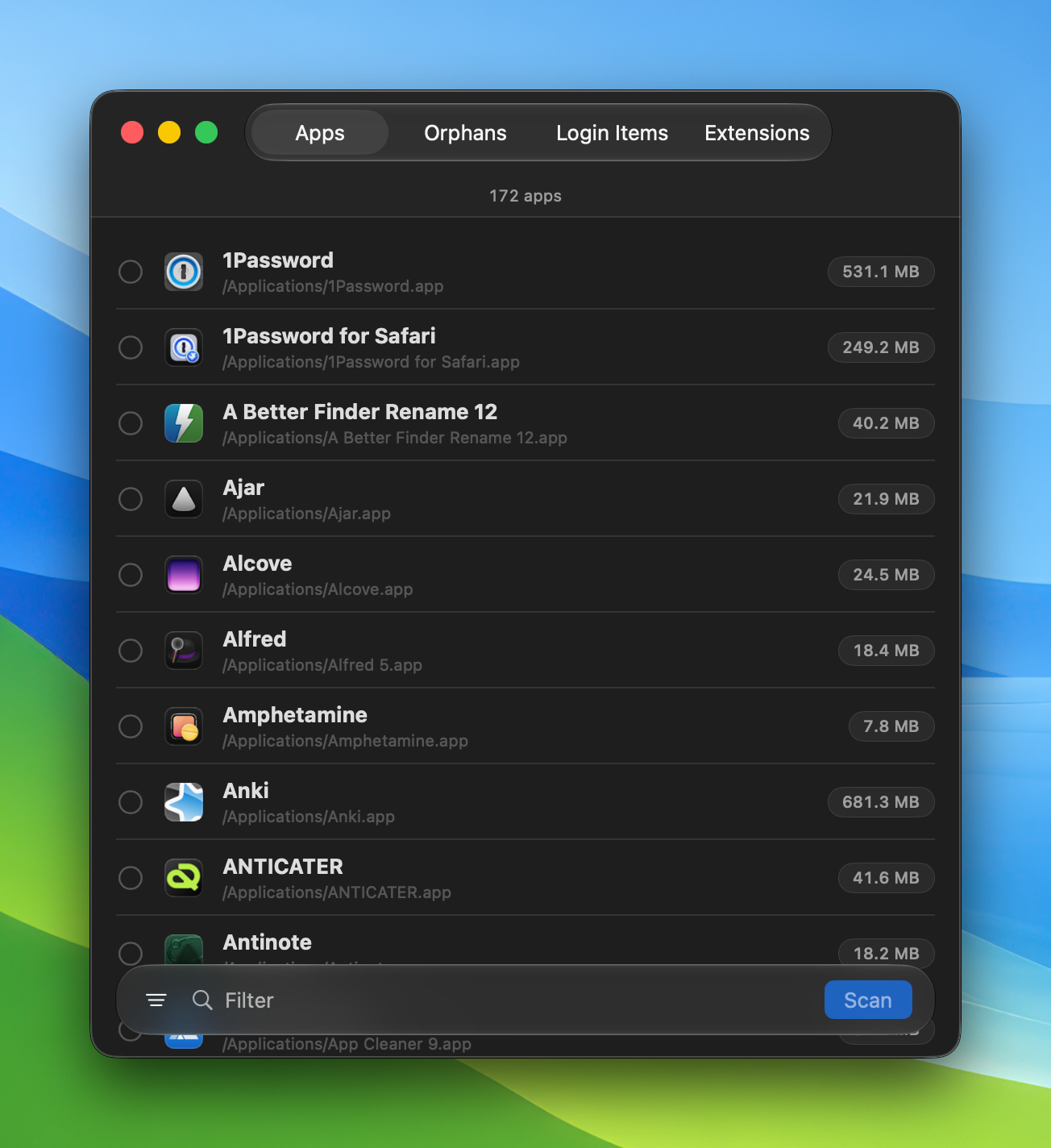
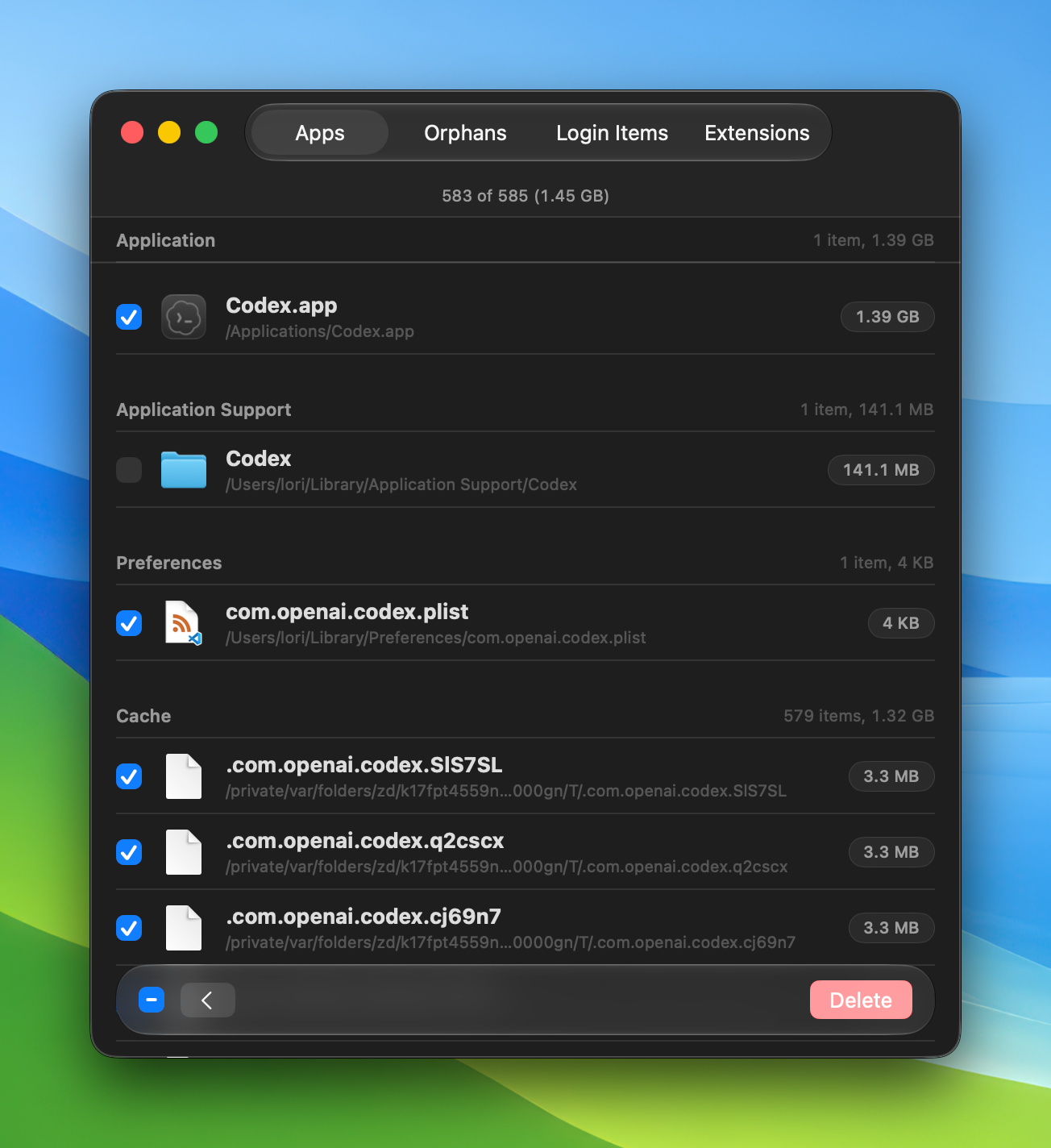
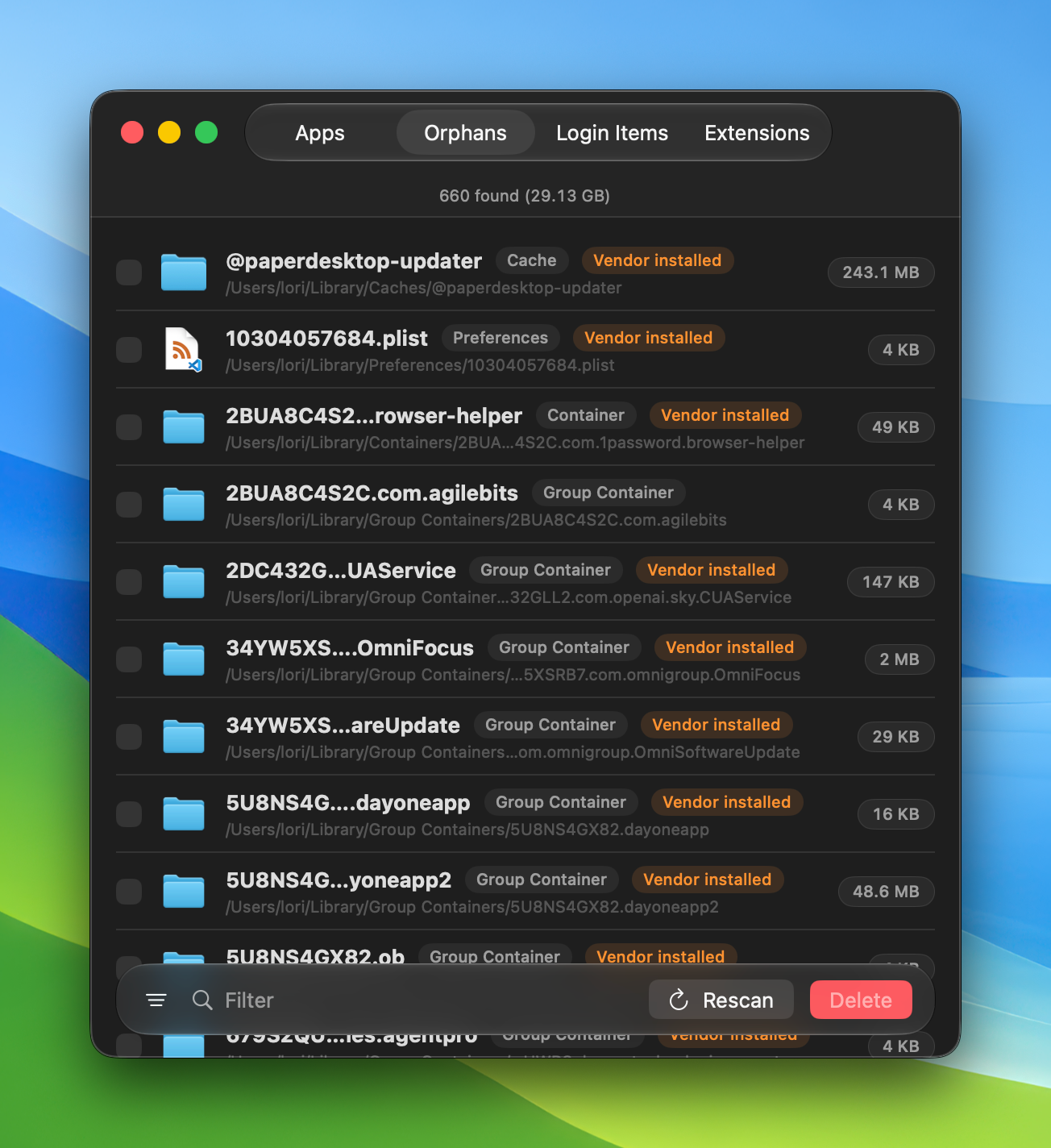
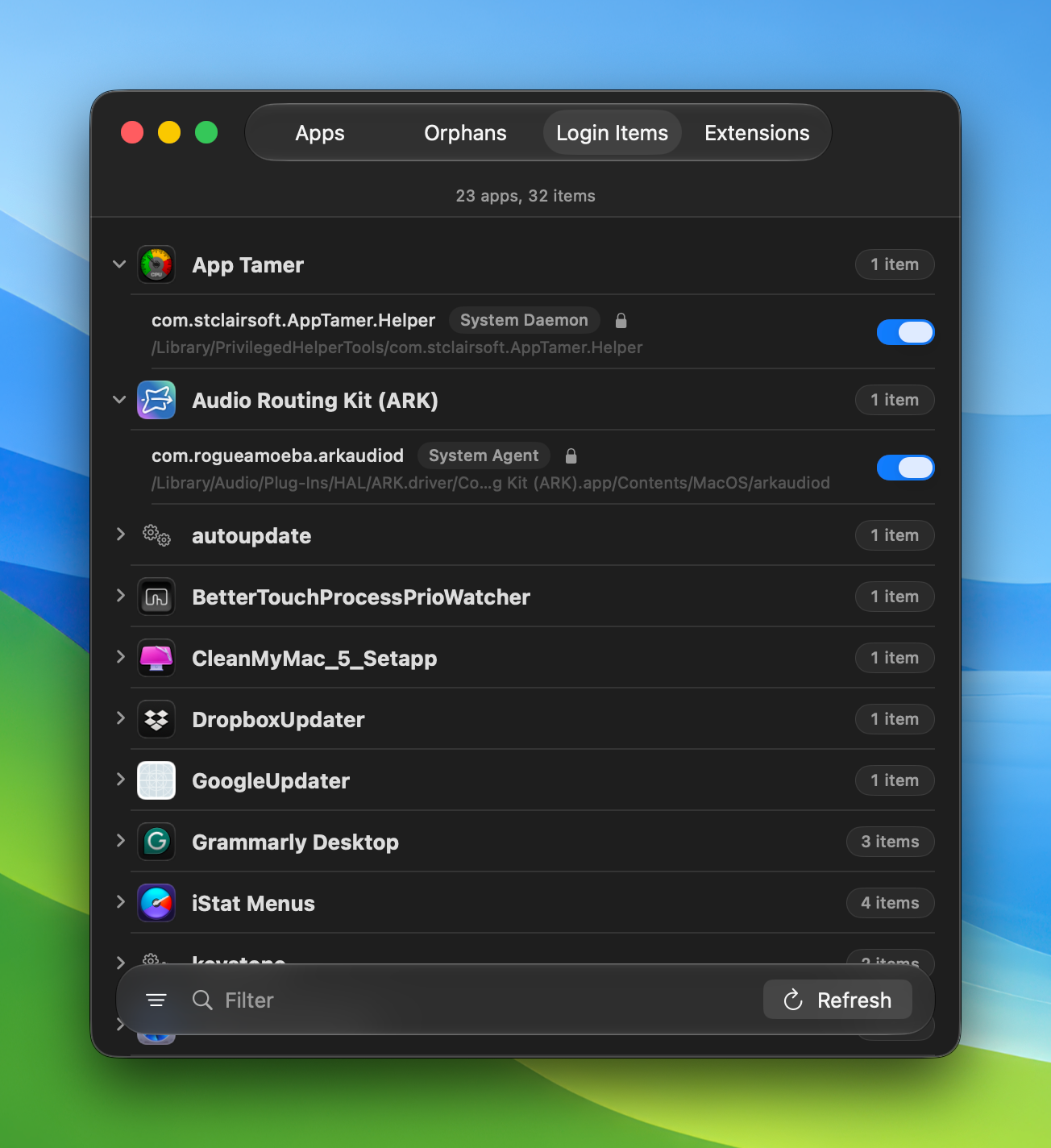
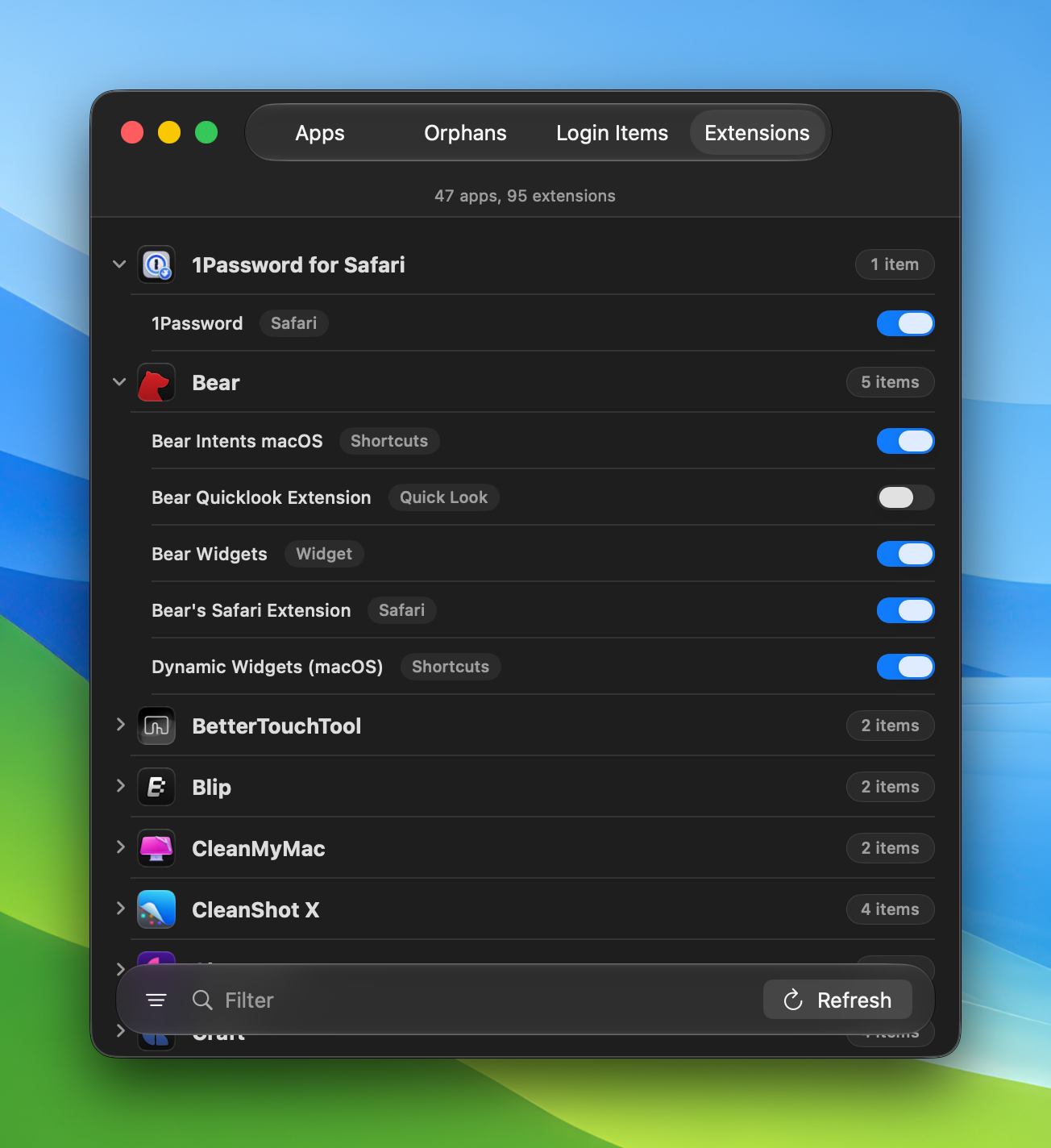
Passez-vous de la fenêtre
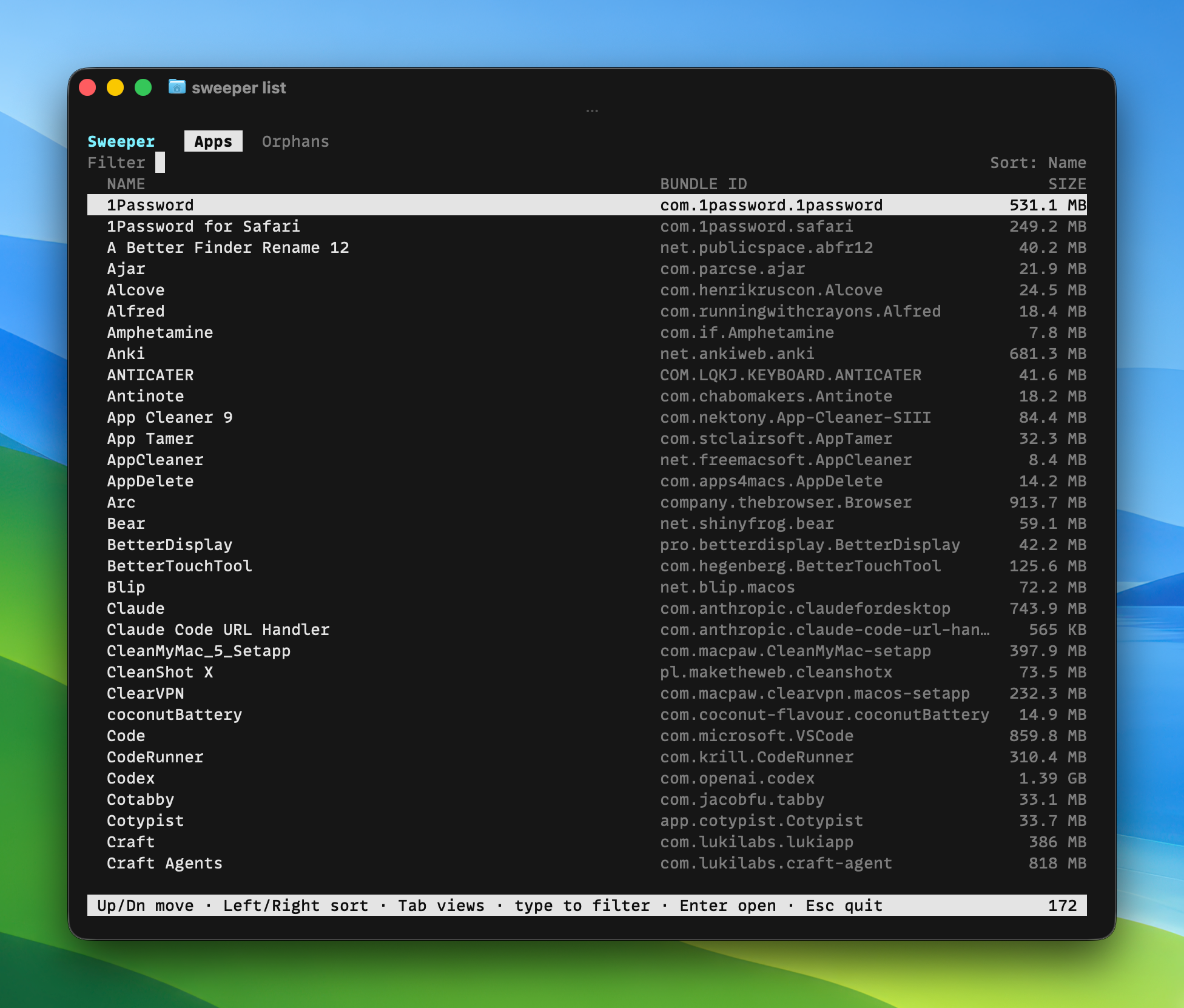
Sweeper inclut un workflow Alfred et une app terminal complète, pour quand vous préférez ne pas toucher à la souris.
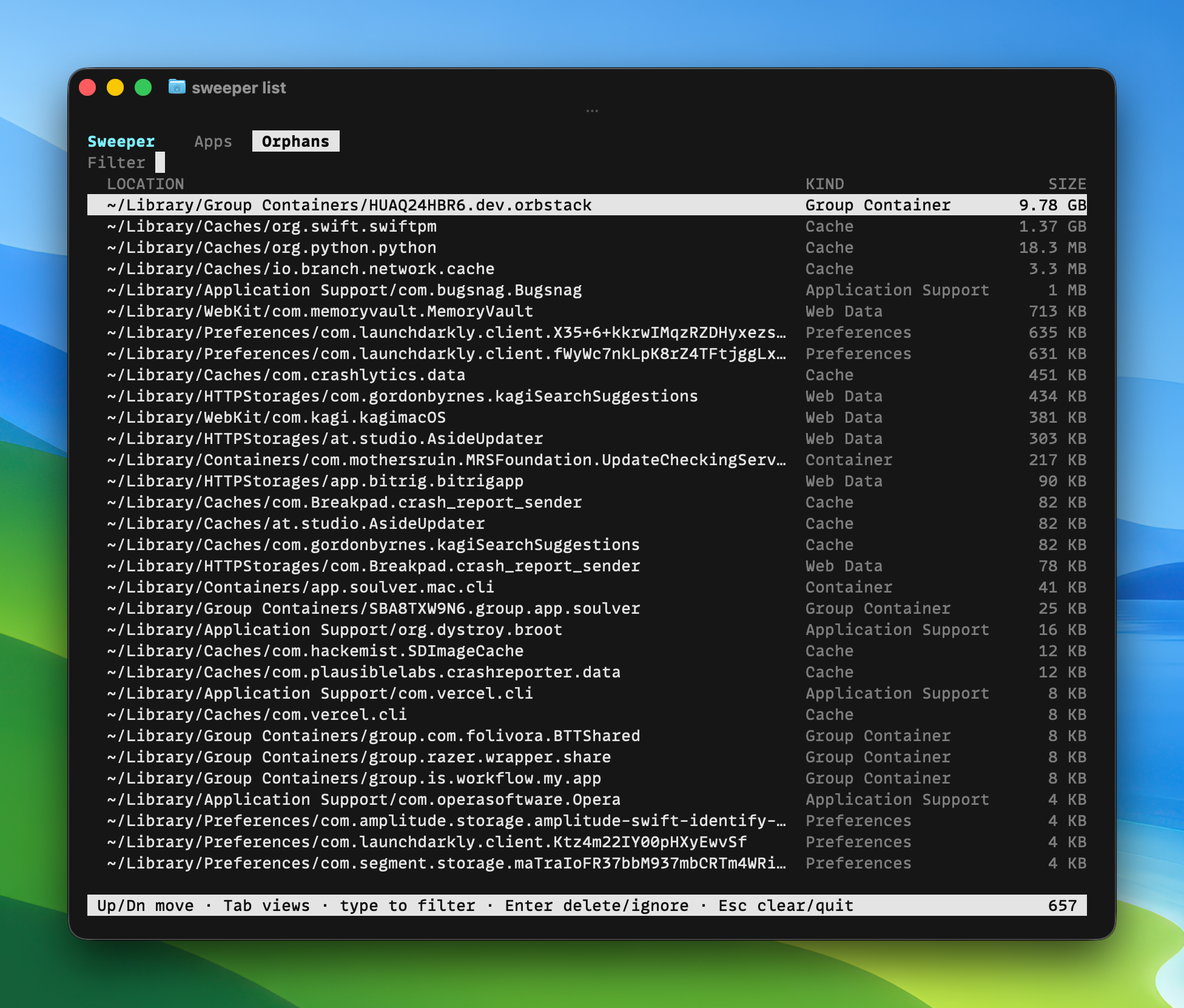
Il sait où les apps cachent les choses
Bon à savoir
Sweeper supprime-t-il quoi que ce soit de lui-même ?
Non. Il ne supprime aucun fichier tant que vous n’avez pas vérifié la liste et décidé. Les éléments nettoyés vont en quarantaine, pas directement à la suppression.
Puis-je récupérer un fichier après le nettoyage ?
Oui. Les éléments nettoyés vont en quarantaine. Restaurez-les tant que vous ne l’avez pas vidée.
Supprimera-t-il des fichiers système ?
Les fichiers appartenant au système sont signalés et demandent un mot de passe administrateur avant toute action.
Pourquoi a-t-il besoin de l’accès complet au disque ?
Pour voir les fichiers que les apps éparpillent dans votre Library. Rien de votre Mac ne le quitte jamais.
Collecte-t-il des données ?
Non. Sweeper fonctionne entièrement sur votre Mac et ne télécharge ni votre liste d’apps, ni les chemins de fichiers, ni les résultats de nettoyage.
Y a-t-il un abonnement ?
Non. Sweeper est un achat unique, et les mises à jour arrivent via l’app.
Et les apps de l’App Store ?
Sweeper les liste avec tout le reste, avec les fichiers que chacune a ajoutés.
Fonctionne-t-il sur Apple Silicon et Intel ?
Oui. Sweeper est une app universelle pour macOS 15 Sequoia et ultérieur.
Faites le ménage.
Désinstallez une app et tout ce qu’elle laisse. Vérifiez chaque fichier. Restaurez ce que vous voulez. Libérez l’espace que vous aviez oublié.