


Looq: Preview Files
A better look at your files.
Quick Look is one of the quietest superpowers on a Mac. Tap Space on any file in Finder and a preview appears, instantly. It is delightful for the kinds of files  ships with macOS, and somewhere between clumsy and useless for almost everything else.
Looq picks up where Quick Look stops. Open a Markdown file and watch it render in full. Table of contents on the side. KaTeX math, inline and block. Mermaid diagrams driven by BeautifulMermaid for crisp native output, with mermaid.js for the newer chart types. GitHub-flavored alerts. Emoji shortcodes. Edit the file, the preview updates live, with zero flicker.
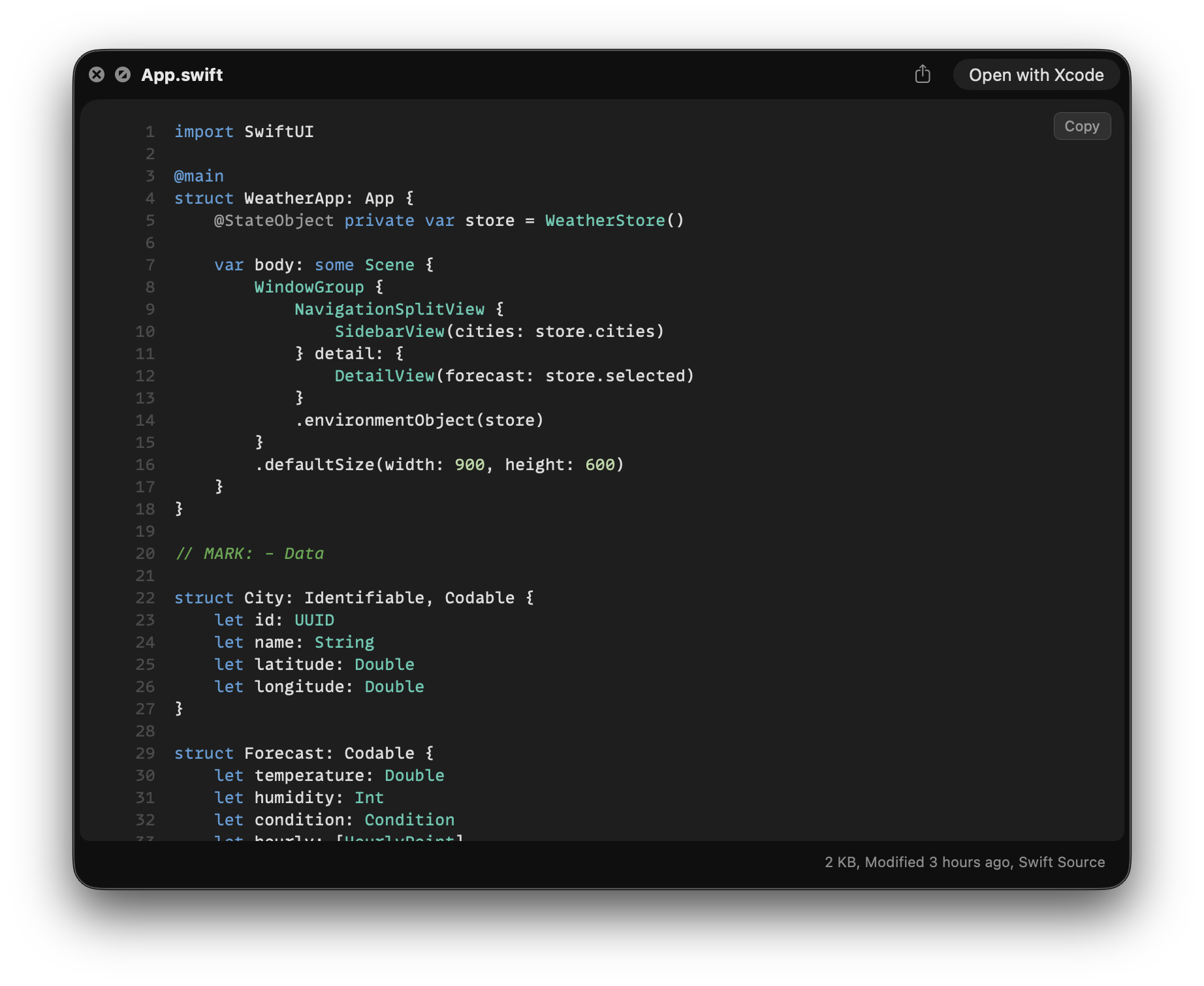
Press space on a Swift file and the code lights up with the same colors VS Code shows, across 200+ file types, in any of dozens of editor themes. Sticky scope headers pin where you are. Compressed JSON, XML, plist, CSS, or SQL on one line? Looq pretty-prints it on read.
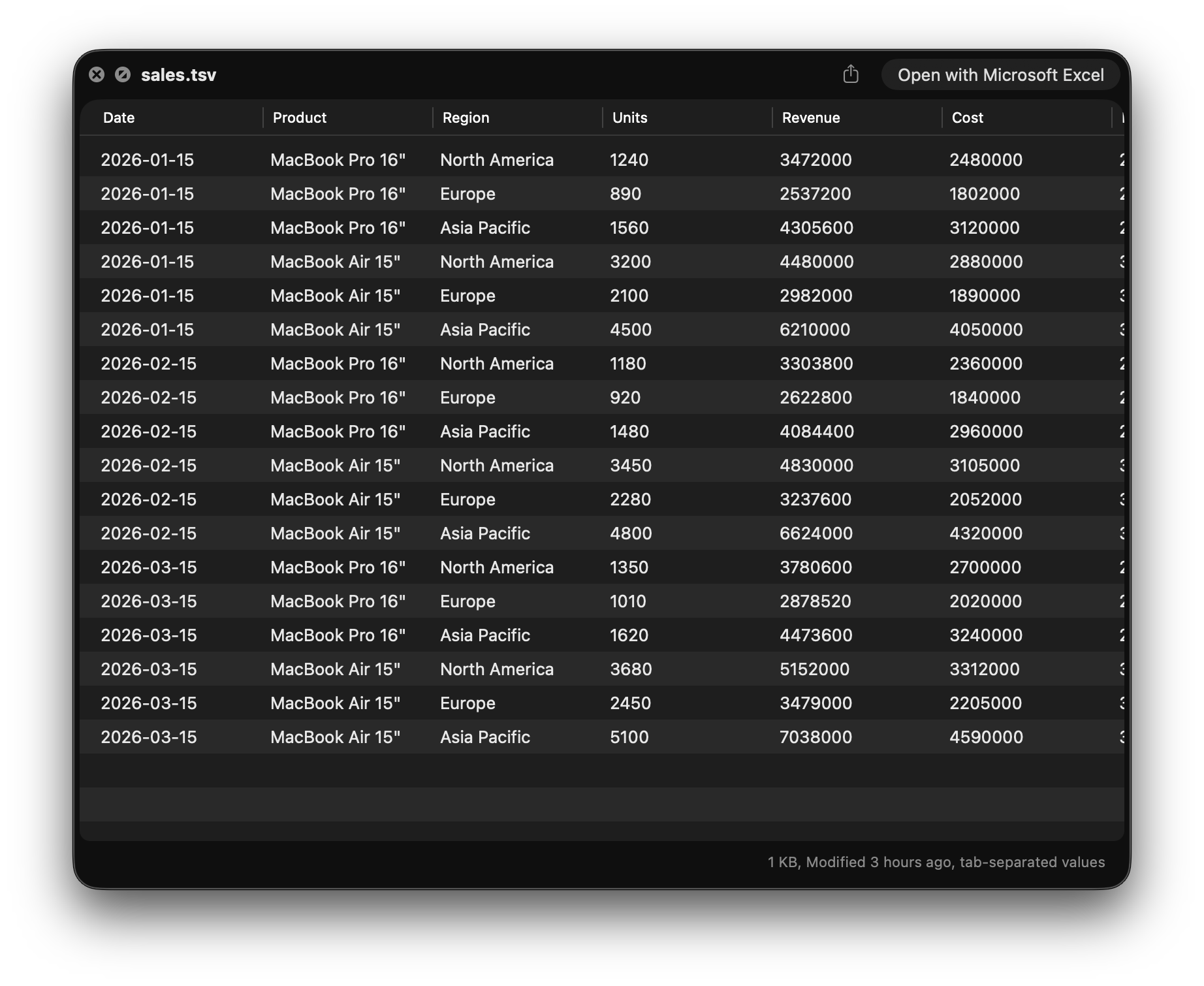
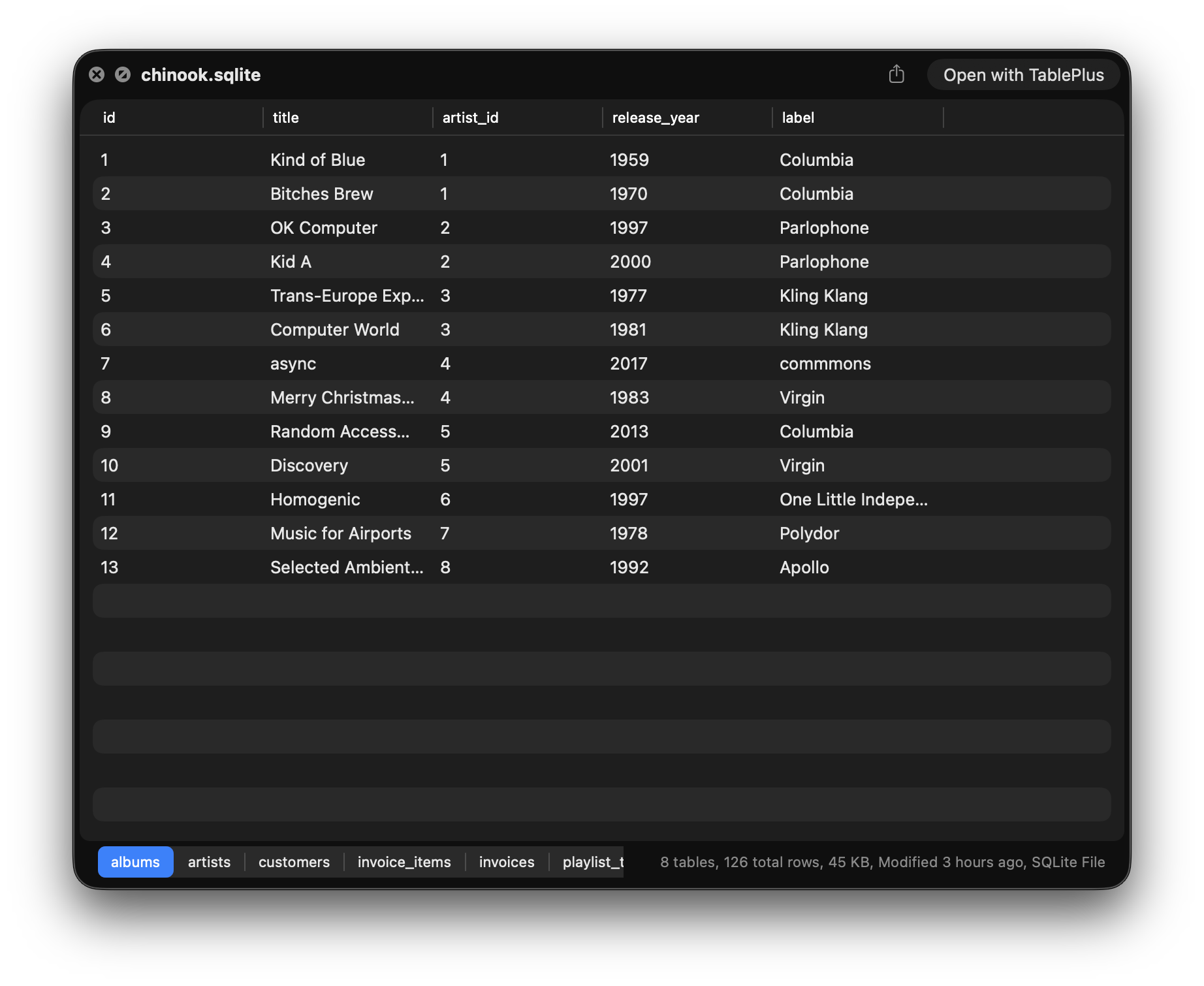
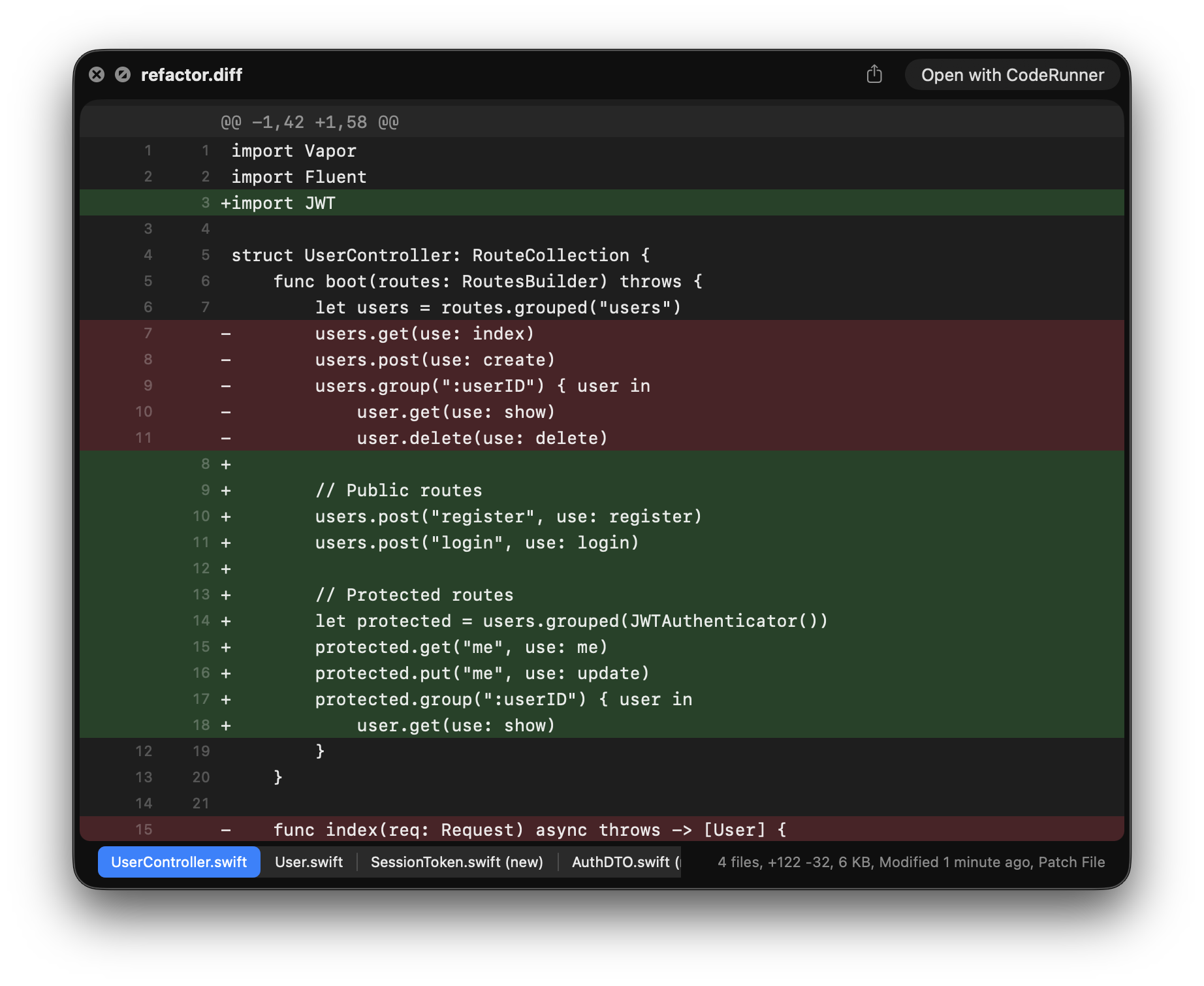
Drop a TSV and browse it as a sortable, paginated table. Click a SQLite database file and browse the tables and rows without opening a tool, smooth even on million-row tables, with column types and constraints in the tooltips. Drop a diff or patch file and Looq renders the change in red and green, with old and new line numbers paired beside each line. Multi-file diffs split into tabs.
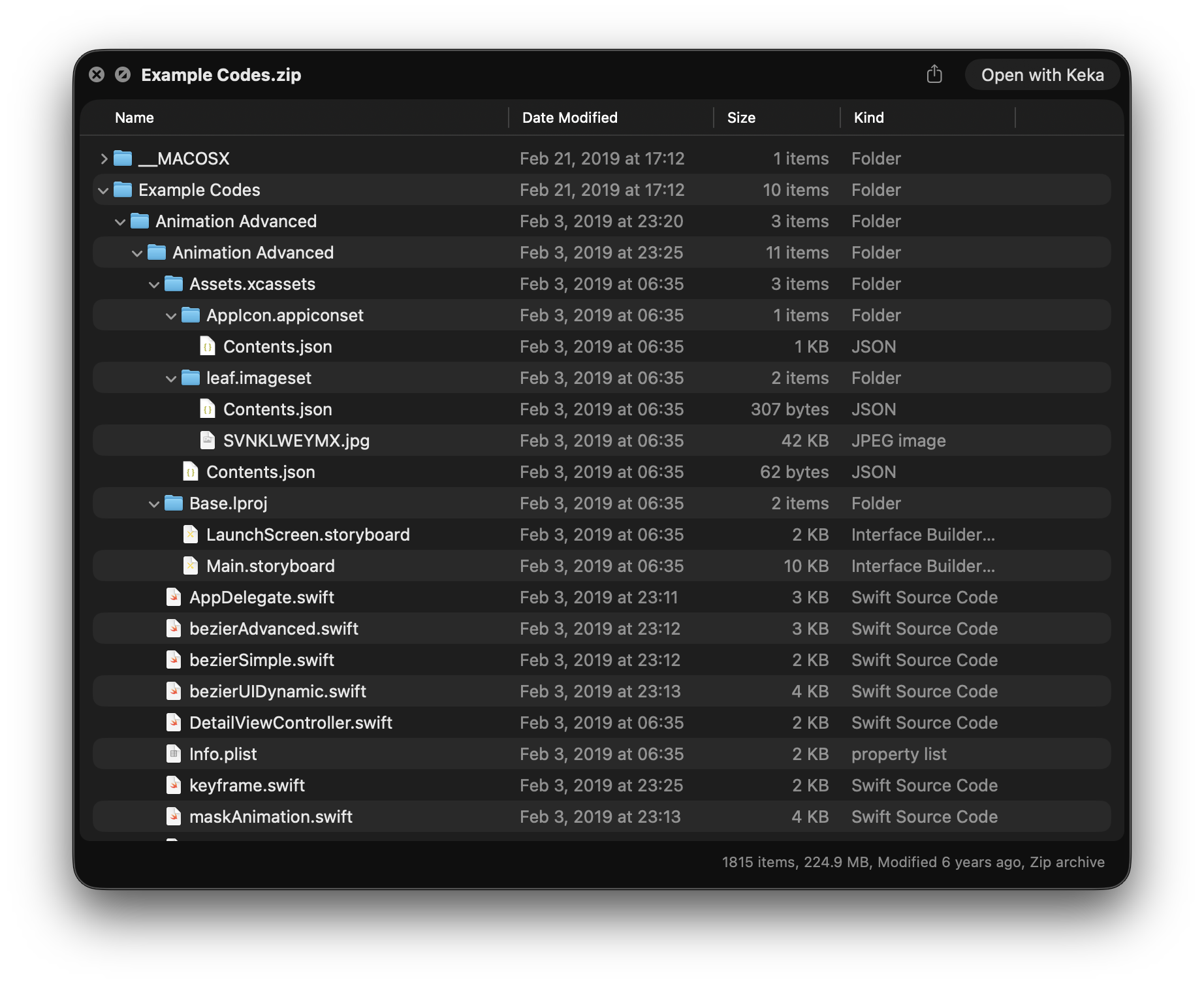
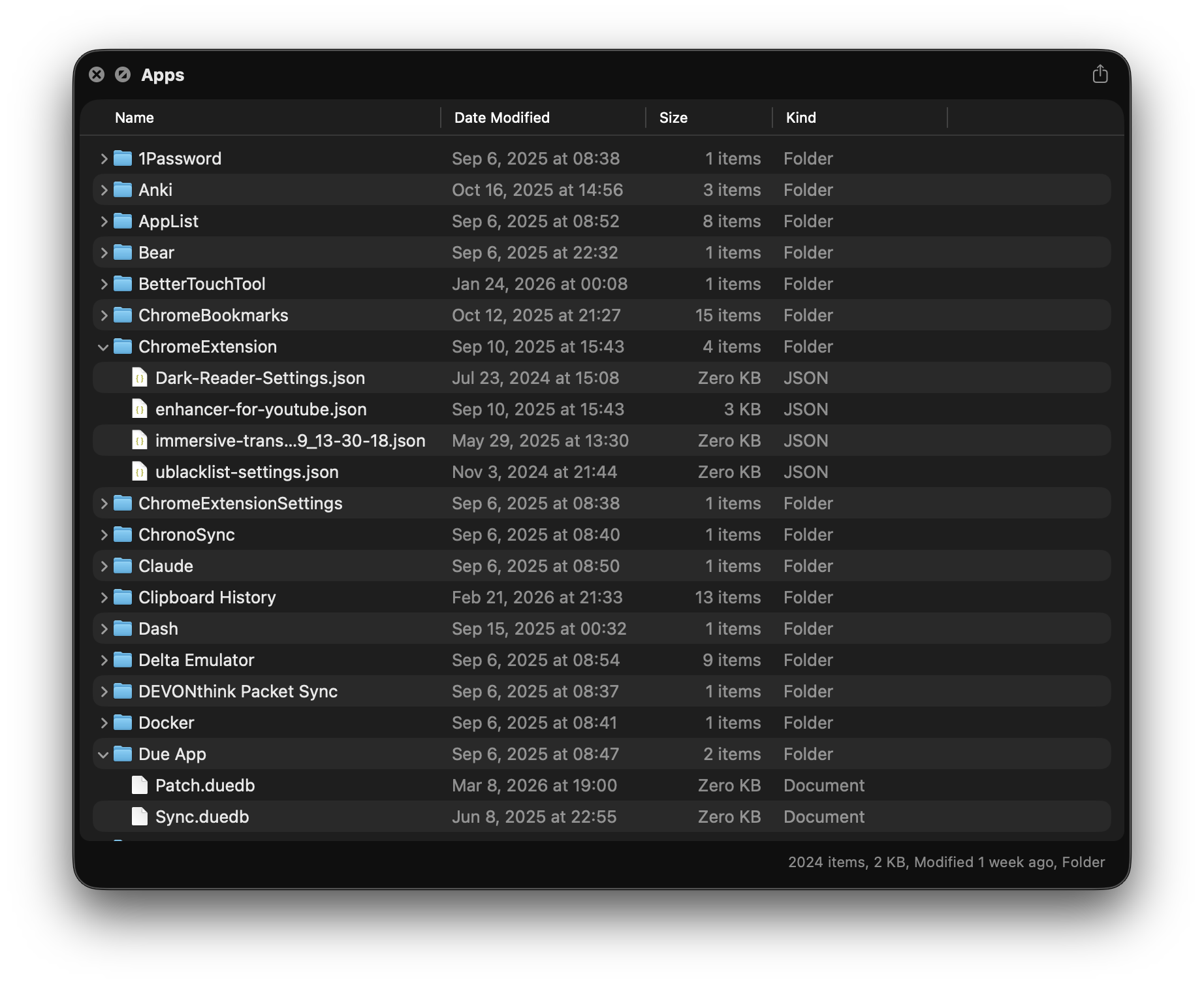
Look inside a zip without unzipping, the contents lay out the way Finder would. ZIP, TAR, GZ, BZ2, all parsed natively in Swift. Look inside a folder as a Finder-grade list or icons view, sort and group by date, kind, size, or tags.
And there is more. .app bundles, .ipa, .pkg, .dmg, .iso, .torrent, and provisioning or configuration profiles open with full metadata: Info.plist, signing, and entitlements. The pieces Apple left out of Quick Look, Looq quietly puts back.
Built to render the rest of your files.
Markdown rendering
Full GitHub-flavored Markdown with KaTeX math, Mermaid diagrams, alerts, emoji, and inline images. Sidebar TOC follows your scroll.
Code in 200+ file types
Each opens with full syntax highlighting. Sticky scope headers pin the enclosing function and class. Line numbers brighten under your cursor.
SQLite browser
Open .db files, switch between tables, page through rows. Column types and constraints surface in tooltips.
Tables & diffs
TSV and patch files render as native AppKit tables. Sortable columns. Diffs show paired old and new line numbers with red and green coding.
Archive & folder
Look inside .zip, .tar, and .tar.gz without unpacking. Browse folders in a list or icons grid, group by date, kind, or size.
Metadata Preview
Code signing, entitlements, and notarization for .app, .ipa, .pkg, .dmg, .iso, .torrent, and provisioning or configuration profiles. The pieces Quick Look skips.
Live rendering
Edit any file and the preview updates in place, with no flicker. Remember Scroll Position keeps your place, so reopening lands you at the same line.
Built for large files
Multi-megabyte source files, million-row databases, and gigabyte archives stream in by page or chunk. Looq never tries to load the whole thing.
Multilingual interface
The app and the Quick Look extension are fully localized in English, German, French, Japanese, and Korean.
Themes & typography
15 Markdown themes, 38 code themes. Custom fonts, sizes, and weights for Markdown and code separately.
Auto-formatting
Minified JSON, XML, plist, CSS, and SQL are pretty-printed on the fly. See the structure even when the source has none.
100% on-device
Your files never leave your Mac. Looq reads them only to render the preview, nothing is indexed or uploaded.
More than the alternatives.
| Feature | Looq | QLMarkdown | Peek | Folder Quick Look |
|---|---|---|---|---|
| Markdown rendering | ||||
| Table of contents | ||||
| KaTeX / MathJax | ||||
| Mermaid diagrams | ||||
| GitHub Alerts | ||||
| Source code highlighting | ||||
| Auto-formatting* | ||||
| SQLite browser* | ||||
| TSV table view* | ||||
| Diff viewer* | ||||
| Archive browse | ||||
| Folder browse | ||||
| Live rendering* | ||||
| Remember scroll position* | ||||
| Remember window size | ||||
| Built for large files* | ||||
| Metadata Preview* | ||||
| Command-line tool* | ||||
| Recent files in the menu bar* | ||||
| Claude Code & Codex sessions* | ||||
| Themes & fonts |
From $10. One-time purchase. Every future update, included.
Also on Setapp
Already use Setapp? Get Looq there.
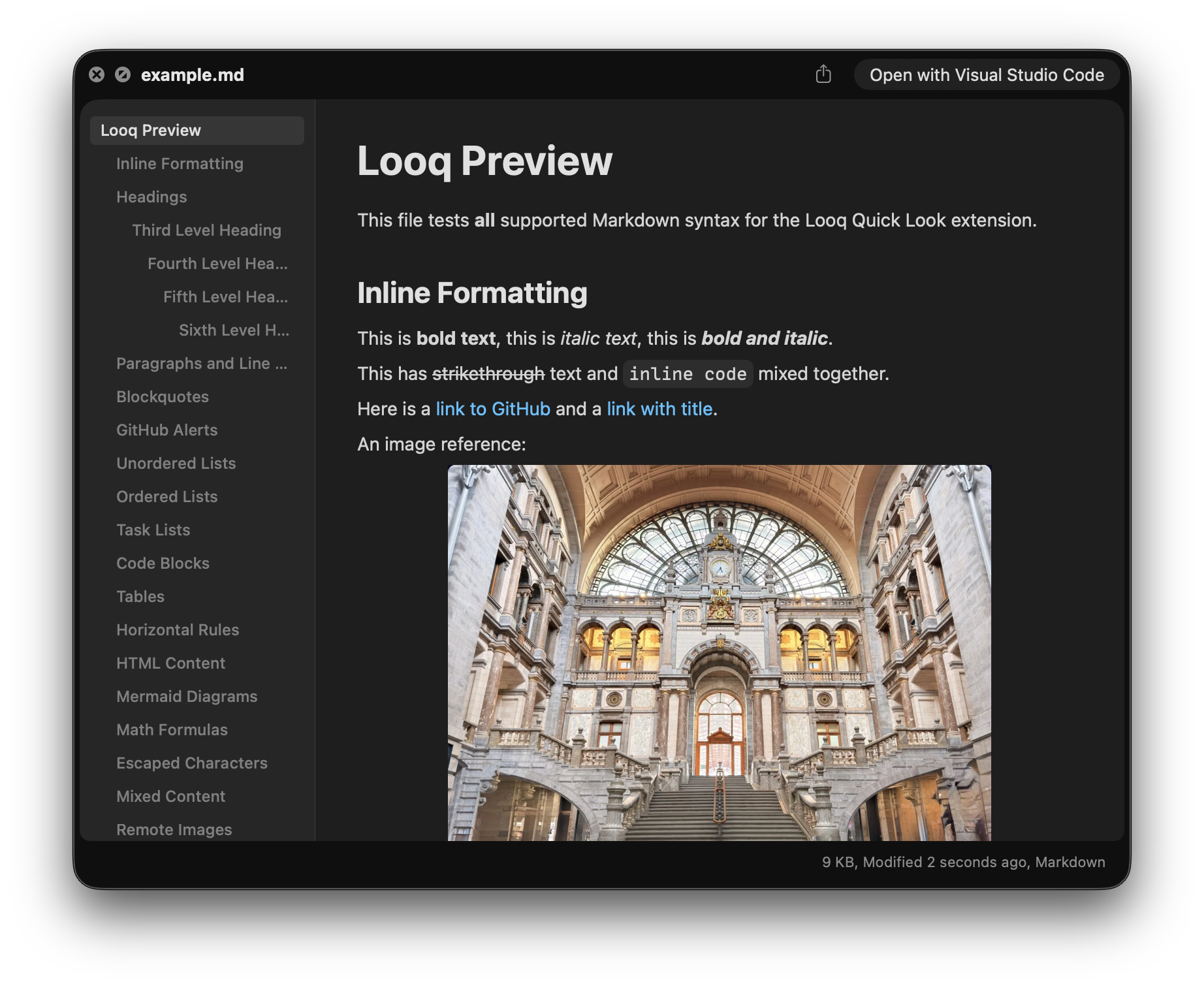
Rich Markdown previews.Render images, tables, math, Mermaid diagrams, alerts, and emoji right in Quick Look.